Welcome to your newMaple Borrower Hub
Your home for managing every loan across all your entities, onchain.
Set up MFA
Multi-Factor Authentication is required for every user on the Borrower Hub. The first time you log in, you'll be prompted to set it up.
Choose between.
Authenticator app (Google Authenticator, 1Password, Authy)
Passkey (Password Manager, Touch ID, Face ID, or a hardware key)
Invite your team
Once you're in, add the rest of your team from Account Settings → Team Management. Invites are sent by email, and the invite link is valid for 2 weeks.
Admin
Full access. Manage users and execute all loan actions.
Manager
All loan actions, plus add and remove non-Admin users.
Loan Actions
Execute all loan actions across entities. No user management.
Viewer
Read-only. View entities, loans, payments, and wallets.
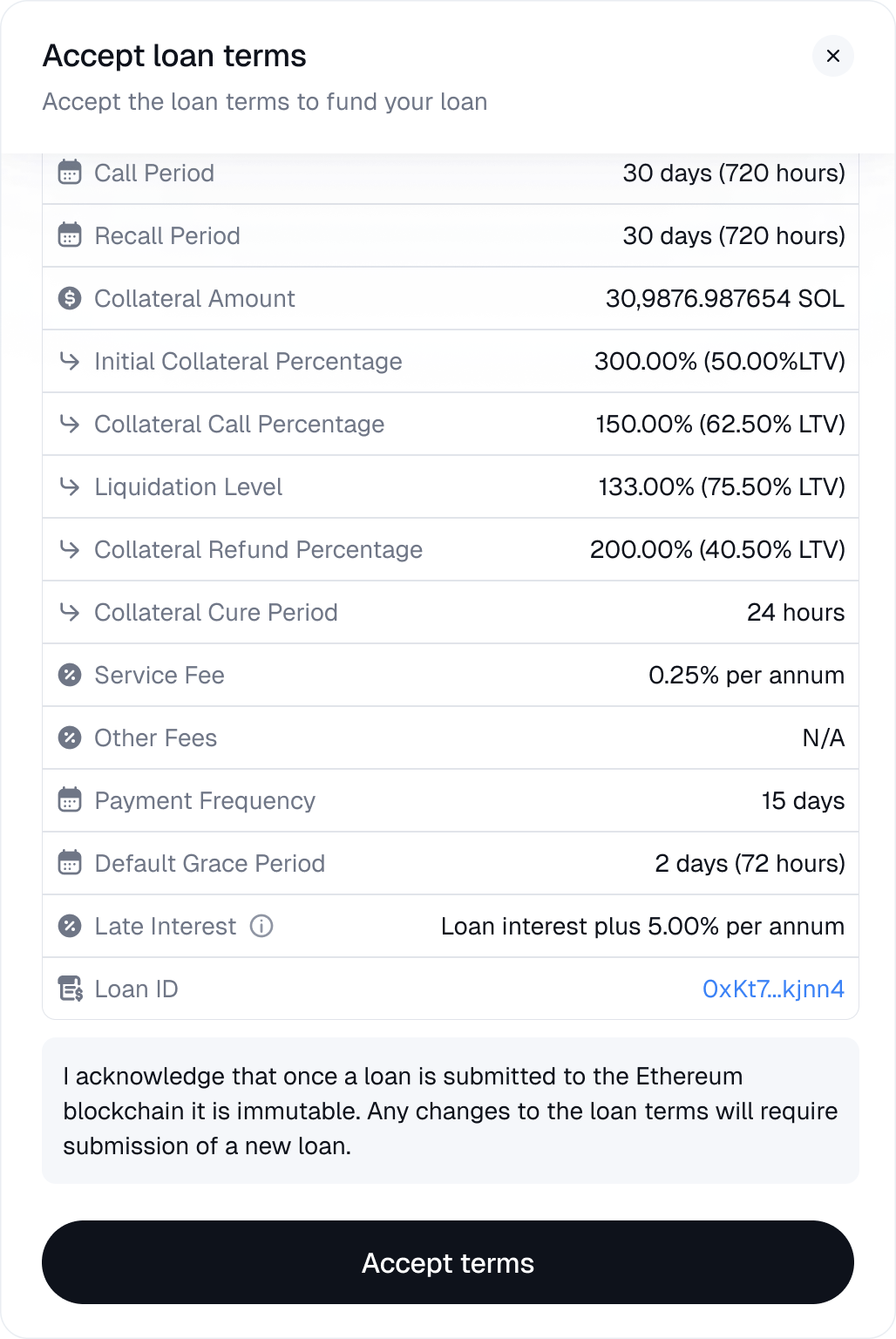
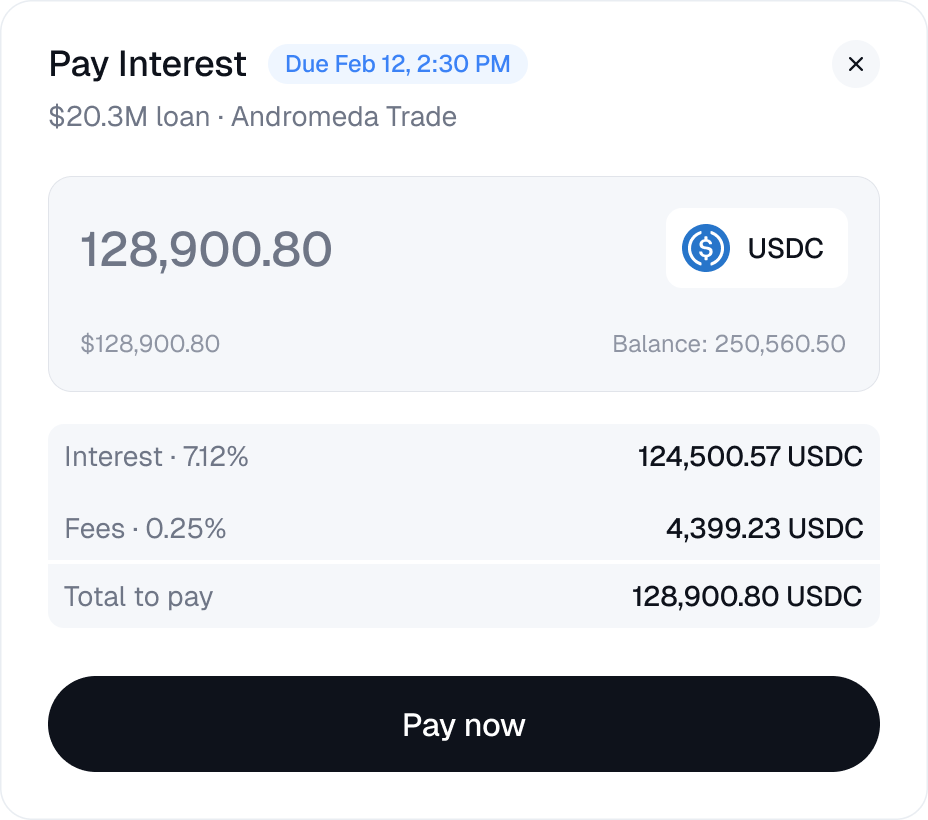
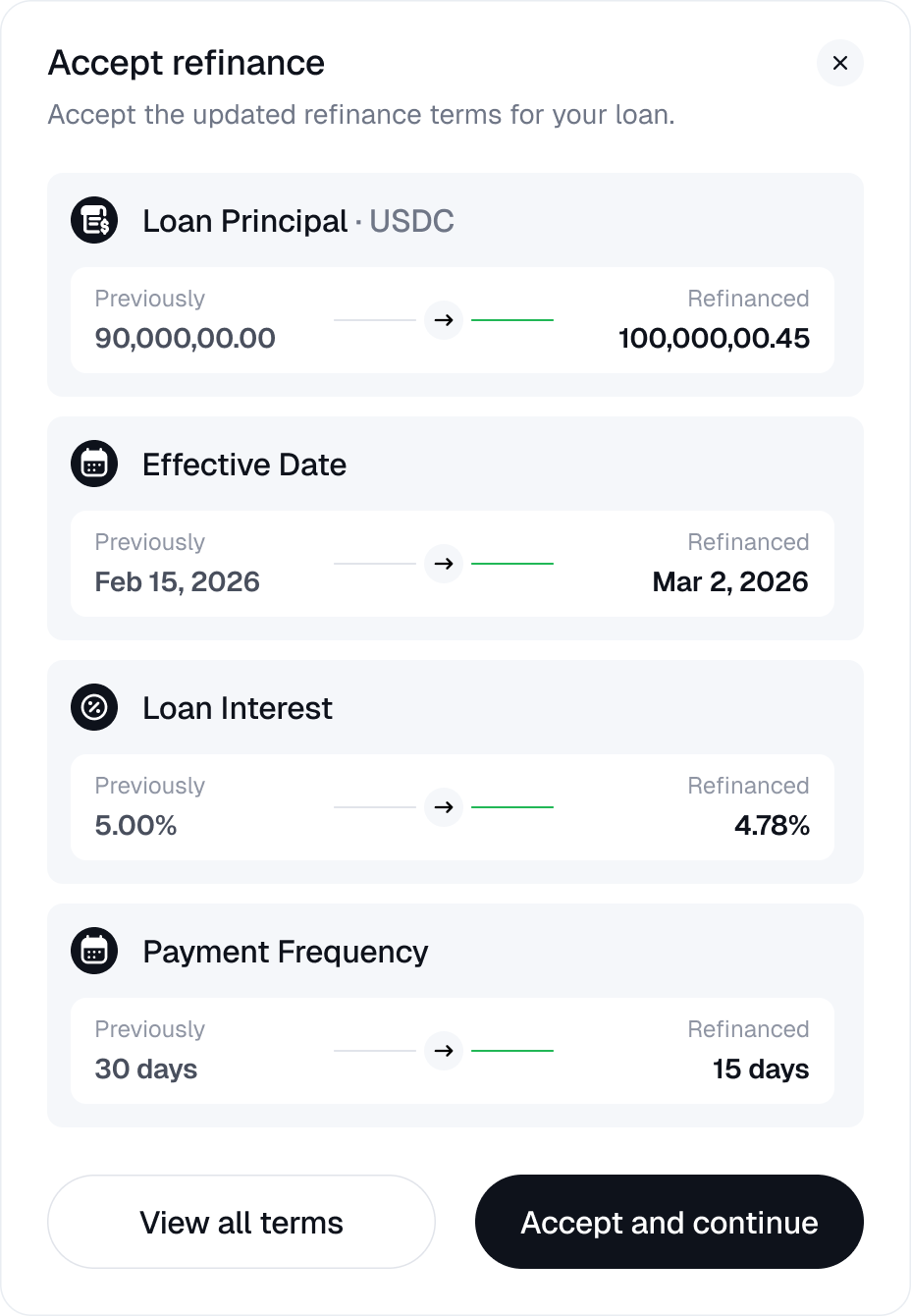
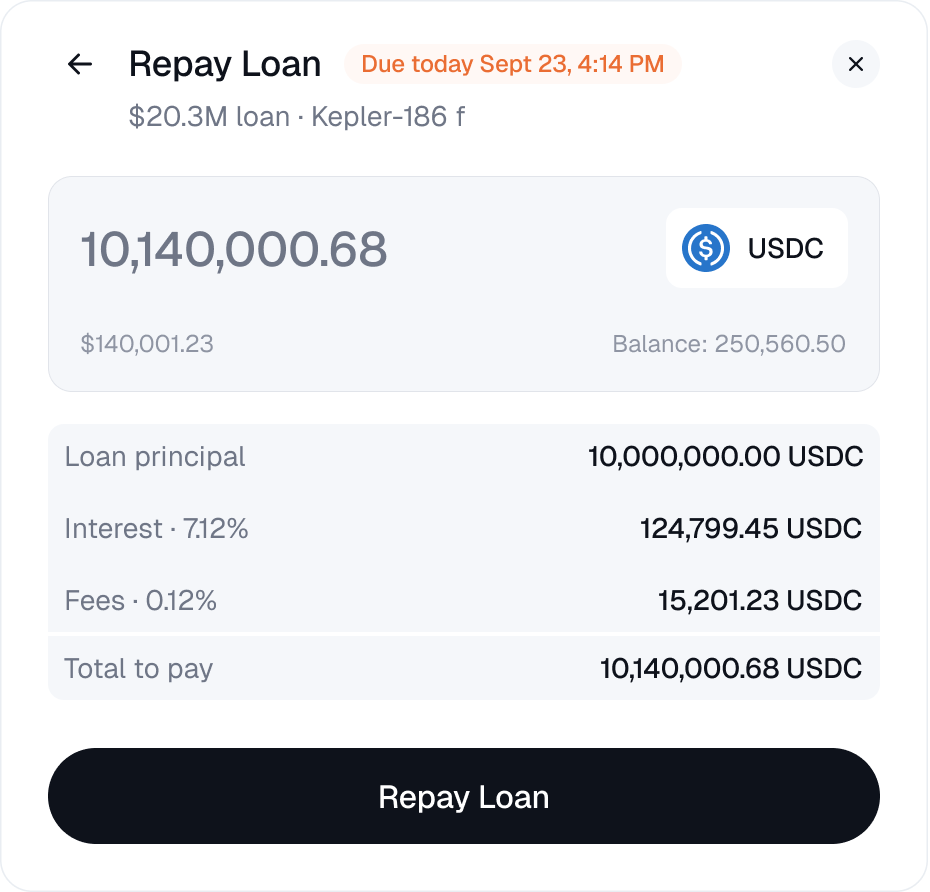
Manage your loans
One place to manage every loan, across all your entities.
LTV Calculator
Stress-test your loans. Simulate price, collateral, or paydown scenarios. Position metrics update instantly.
Know what you could do before markets move
Get complete visibility across your loan exposure
Stay ahead of a margin call
Account structure
Organization
Your top-level Maple account.
Legal Entity
One or more entities under your Organization that hold loans.
User
A member of your team who can log into the app.
A single team can manage multiple borrowing entities under a single login, with portfolio-level visibility and entity-level loan management. Borrower wallets are added by Maple during onboarding and tied to a specific entity.
Get started today
Log in to the Borrower Hub to manage your loans, invite your team, and take action, all onchain.
Have a question? We're here to help. [email protected]